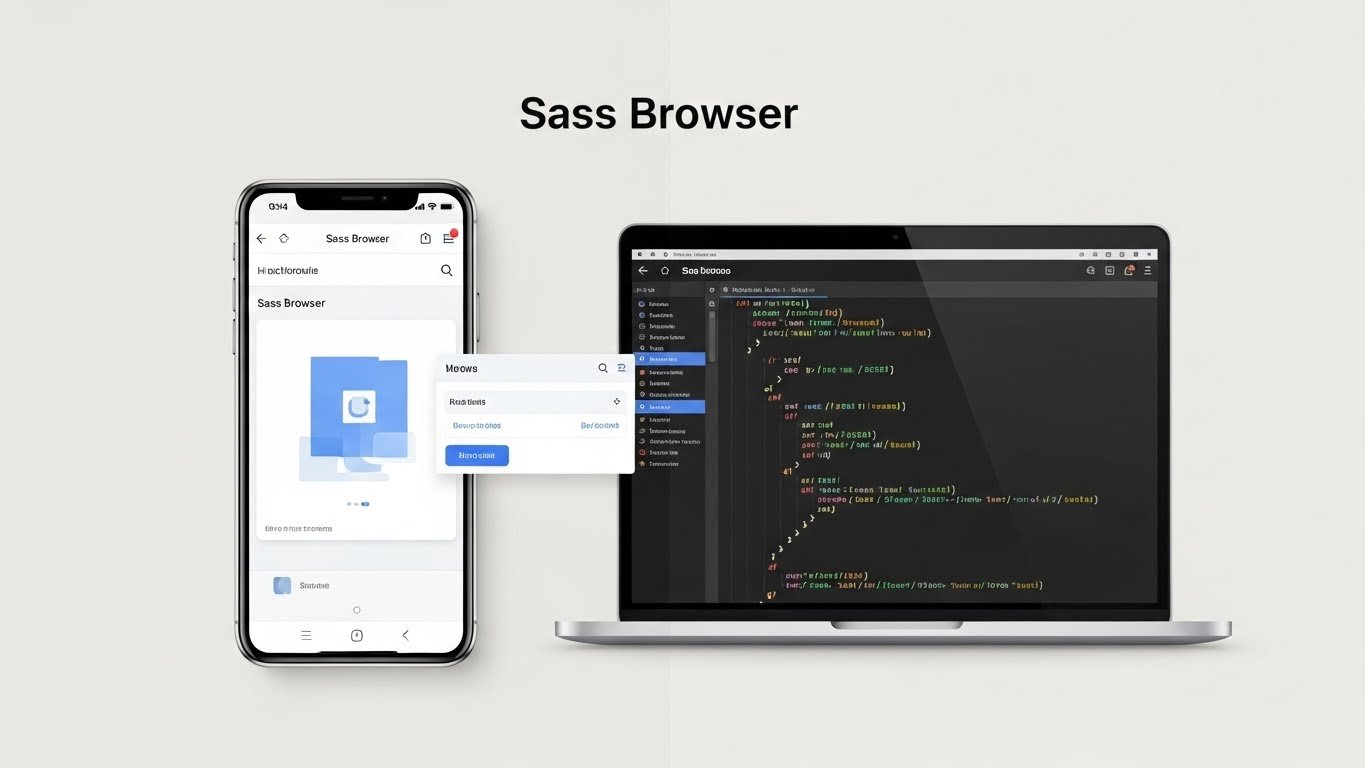
In today’s technology landscape, the term “Sass Browser” might mean different things to different people — and that’s why it’s important to understand it clearly from multiple perspectives. This article breaks down what “Sass Browser” refers to, how it relates to web development tools and mobile apps, what features are commonly associated with it, and how developers and users can benefit from it. All explanations below are backed by real sources and use cases.
📌 What Does “Sass Browser” Mean?
The term “Sass Browser” doesn’t refer to a single universally accepted tool or standard software product like Google Chrome or Firefox. Instead, it can mean one of the following:
- A mobile web browser application named Sass Browser — an Android/iOS app designed for general web surfing with features like ad‑blocking, privacy, and lightweight performance.
- A browser‑based JavaScript tool enabling SASS/SCSS compilation or preview (e.g.,
sass‑browserlibraries) used during web development.
This dual usage means people searching for “Sass Browser” might be referring either to a browser app experience or a development tool connected to the CSS preprocessor Sass — which itself has a different meaning entirely.
🧠 Quick Overview: What is SASS (the Technology Behind the Name)?
Before diving into browser variants, it’s essential to understand Sass as a technology:
- Sass stands for Syntactically Awesome Style Sheets and is one of the most popular CSS preprocessors used in web development.
- A Sass file uses extensions like
.sassor.scss, and these are compiled into standard CSS before browsers can interpret them. - Sass enhances CSS with features such as variables, nesting, mixins, and functions — making style sheets more efficient and maintainable.
In the context of “Sass Browser,” one meaning relates to how Sass files are handled or previewed from within a browser environment — which we’ll discuss below.
📱 The Mobile App: Sass Browser
One of the common references online is to a mobile browser app called Sass Browser:
Overview of the App
- Sass Browser is a lightweight, minimalist web browser for Android (and previously on iOS) designed to be fast, simple, and easy to use.
- It’s built to be resource‑efficient, delivering quick page loads and smooth performance on devices that may struggle with heavier browsers.
Key Features
The mobile‑focused Sass Browser typically includes features like:
- 🔥 Fast Performance: Engine optimized for quick loading and smooth browsing even on slower connections.
- 🚫 Built‑in Ad Blocker: Blocks intrusive ads and pop‑ups without requiring separate plugins.
- 📶 Data Saving & Privacy: Designed with privacy in mind — no forced tracking or background data usage.
- 📌 Minimal Interface: Clean, distraction‑free layout so users can focus on content — great for reading or research.
- 📖 Reading & Offline Modes: Some versions include offline or reading‑friendly features.
Platform Availability
- Android: Available via APK distribution platforms and occasionally via official store listings.
- iOS: There was a version known as Sass Browser: Lockdown on the App Store, though availability sometimes changes based on policy. (App Store)
This use of “Sass Browser” as a general lightweight mobile browser resonates with users who prefer minimal interfaces and better control over privacy.
🛠 Sass in Web Development & Browser Tools
Beyond mobile apps, “Sass Browser” also appears online as the name of a developer‑oriented package or tool that works with the Sass (CSS preprocessor) ecosystem. This should not be confused with a mainstream web browser.
What Is the sass‑browser Library?
The package sass‑browser — found on repositories like npm and CDN services — is designed to help developers work with Sass files in the browser or in browser‑like environments during development:
- It acts as a wrapper around
sass.js, which is a JavaScript implementation of Sass. - This lets developers include Sass compilation capabilities in the browser or web apps without requiring a server‑side process.
Here’s an example of how it might be used:
<script src="sass.js"></script>
<script src="sass‑browser.js"></script>
This setup can enable Sass compilation directly in developers’ testing environments or educational contexts — not in general user browsers, but in specialized browser‑based tools.
Why Does This Matter?
In modern web development:
- Traditional browsers cannot natively read
.sassor.scss— these files must first be compiled into CSS. - Tools like
sass‑browserhelp streamline workflows by embedding preprocessing capabilities into browser environments or development play‑tools.
This is especially beneficial for frontend developers experimenting with Sass on the fly without setting up full build pipelines.
📊 Sass vs Standard Browser Handling
When discussing Sass Browser in a development context, remember:
Normal Browsers vs Sass
- Standard browsers (Chrome, Firefox, Safari, etc.) cannot interpret Sass/SCSS directly.
- Developers use compilers or pre‑processors (like node‑sass, Dart Sass) to convert Sass into CSS that browsers can read.
This means that anything called “Sass Browser” related to loading .sass files in real time is either:
- A development tool or library, or
- A browser plugin or experimental package designed to integrate Sass tooling into the browser context.
📌 Use Cases: Who Might Search for “Sass Browser”?
Here are common situations where this term comes up:
1. Mobile Users Looking for a Fast Browser
Users may search “Sass Browser” when seeking a lightweight, ad‑blocking browser app for their phone.
2. Web Developers Exploring In‑Browser Sass Tools
Developers may look for tools like sass‑browser to compile or preview their Sass code without heavy toolchains.
3. Students or Learners Trying to Preview Sass Code
Beginners exploring how Sass works might find browser‑based editors or playgrounds that let them write and view Sass results. (GroupDocs Apps)
⚠️ Important Clarifications & Potential Confusion
Because “Sass Browser” is not a formal standardized product (like Chrome or Firefox), it’s important for anyone searching or using it to verify what they mean:
✔ If you are downloading a mobile browser app, check the official source or app store to avoid malware or unofficial copies.
✔ If you are exploring browser‑based Sass libraries, understand they are tools for developers — not everyday browsers.
✔ “Sass” itself is a CSS preprocessor, not a browser technology.
👨💻 Alternatives & Related Tools
Developers often use tools that provide advanced browser‑like testing environments:
Live Preview Tools
- Prepros: Compiles Sass, reloads browsers automatically, and previews changes live.
Responsive Browsers for Dev
- Sizzy: A browser for developers that lets you test layouts across devices with synchronized views and debug tools — a much broader concept than “Sass Browser.”
These tools help developers incorporate Sass into real‑time workflows without confusion over terminology.
📌 Final Summary: What Is “Sass Browser”?
| Context | Meaning |
|---|---|
| Mobile app | A lightweight, minimal web browser with privacy features. |
| Developer tool/library | A JavaScript package (sass‑browser) to let Sass compilation run in the browser context. |
| Sass tech | A CSS preprocessor whose files are compiled before browser rendering. |
So, “Sass Browser” isn’t a single universal tool — but rather a name used for both a browser app and a developer‑oriented library connected loosely to Sass/SCSS workflows.
📘 Key Takeaways
- “Sass Browser” could mean a mobile web browser app designed for fast, lightweight browsing. (Apkrabi.com)
- It can also refer to a specialized library allowing Sass compilation in browser environments. (skypack.dev)
- In web development, Sass itself is a preprocessor — browsers cannot read
.sassfiles directly without compilation. (geeksforgeeks.org) - Developers use tools like Prepros or Sizzy to bridge the gap between writing Sass and viewing results in browsers. (prepros.io)